The Editor
Sound
Reminder: Hover your mouse over almost any input, field, selectionbox or button in the Editor to receive tooltips and examples.
Show Table of contents
Table of contents
Importing Sound
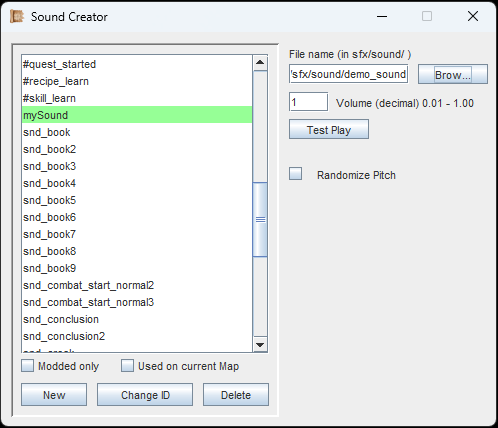
Importing your own sound effects is as easy as pie².
Importing Sound works the same as importing Music. First, make sure you have placed your custom audio files (.mp3, .ogg or .wav) into your '...mods/[YourMod]/sfx/sound' folder. Then create a new Sound-Object with its own unique ID and hit the 'Browse' button to find your file.
You can adjust the sound's volume and you can hit the 'Randomize Pitch' checkbox. A randomized pitch makes often recurring sound effects less boring.
If you are following the Guide, continue with Animations.