Adventures of Conquest
Items
Table of contents
Introduction to Items

Adventures of Conquest has various item types, from equippable items, to consumables, to usable gadgets and more. Although some items have unique properties, all of them have weight, value and a name.
The player group shares an inventory, and the total weight they can carry is determined by their combined strength attributes. If you carry too much, you cannot pick up anything new and have to either drop or sell your items.
The value of an item is more of a theoretical thing, as merchants will only pay a fraction of that, but sell it at a higher price. Unless of course you boost the right attributes to change the equation.
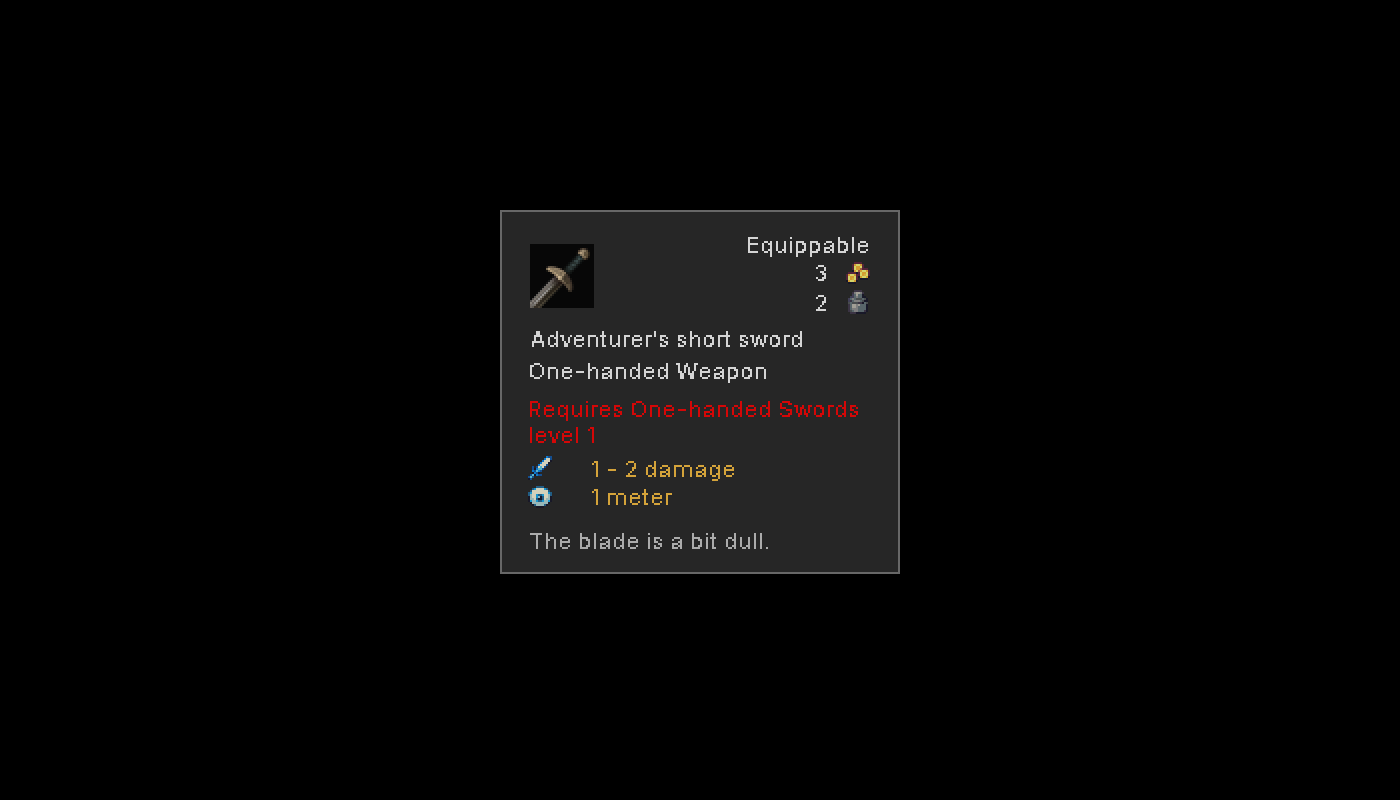
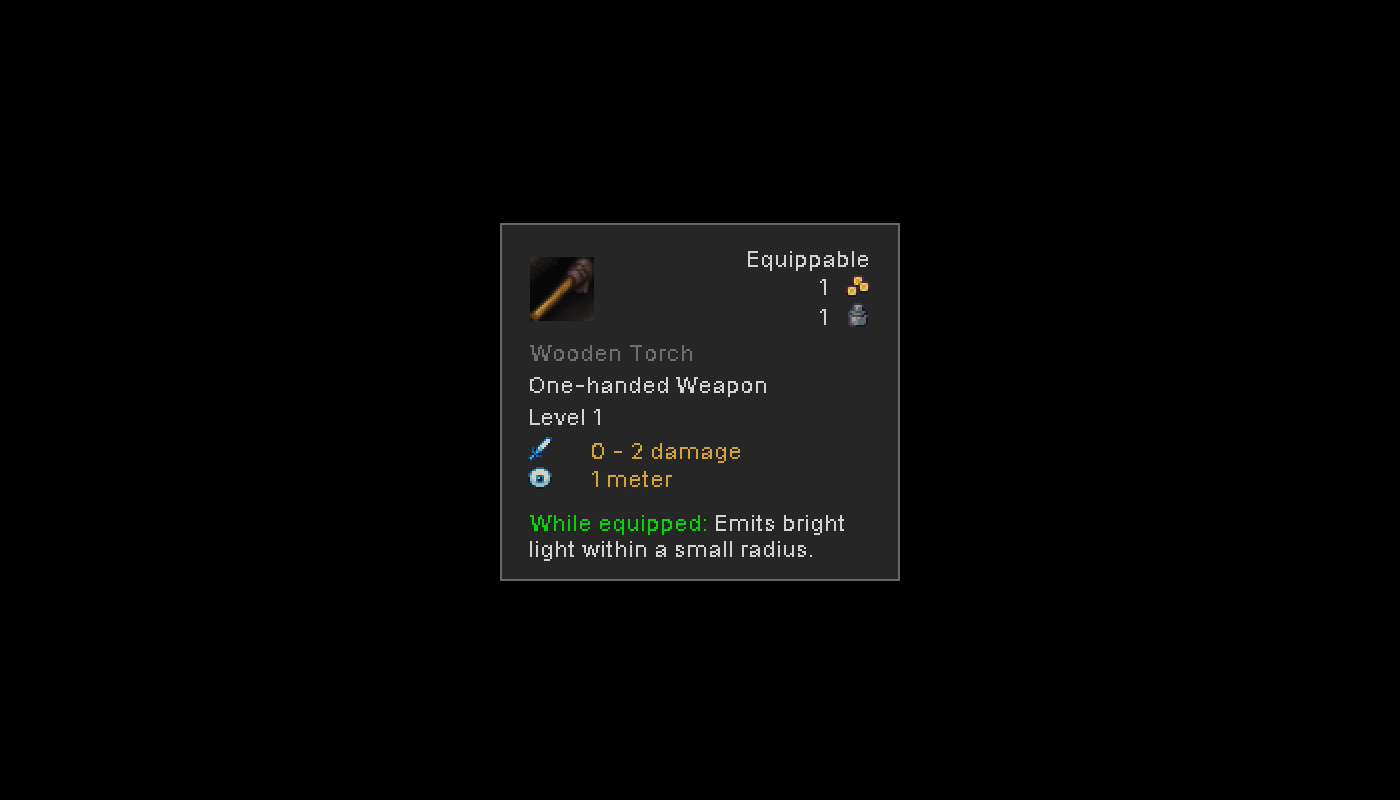
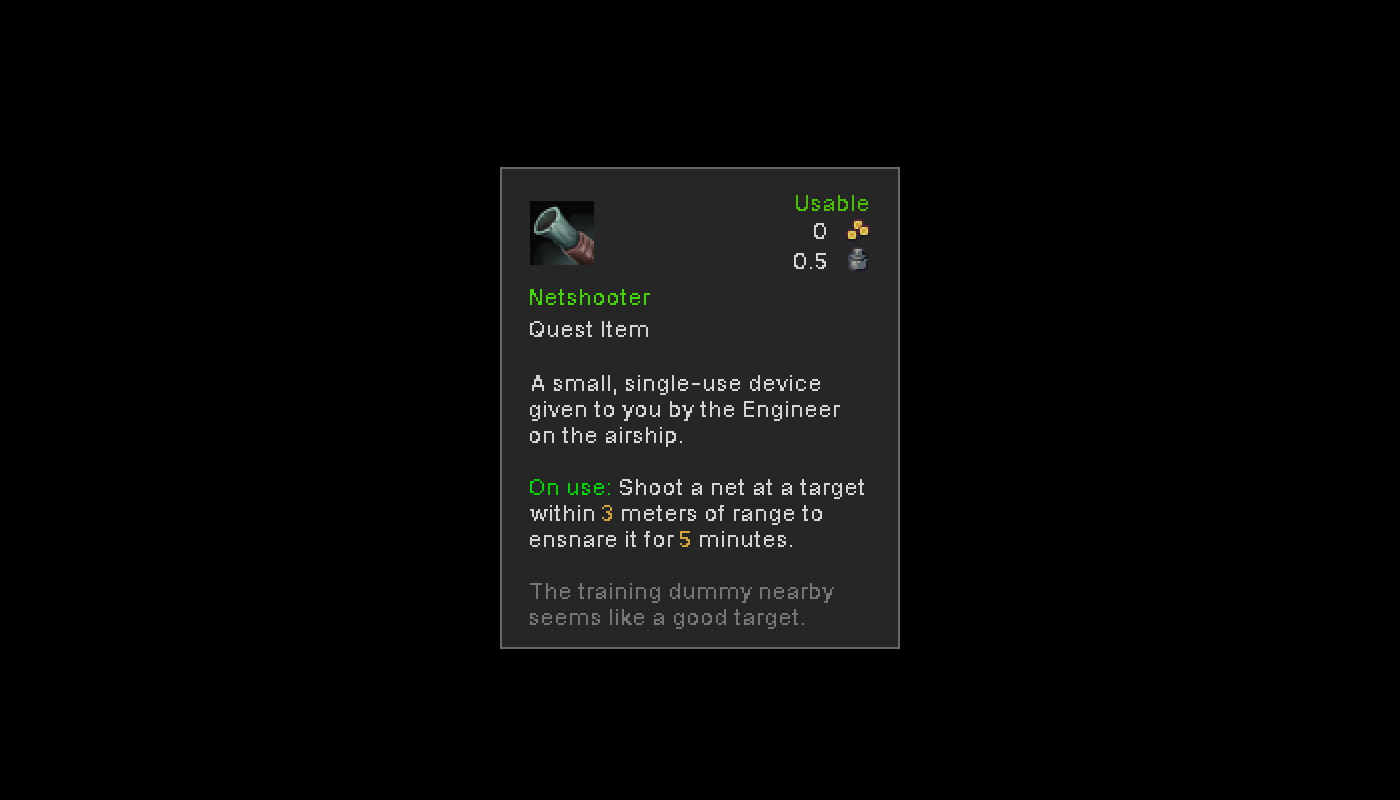
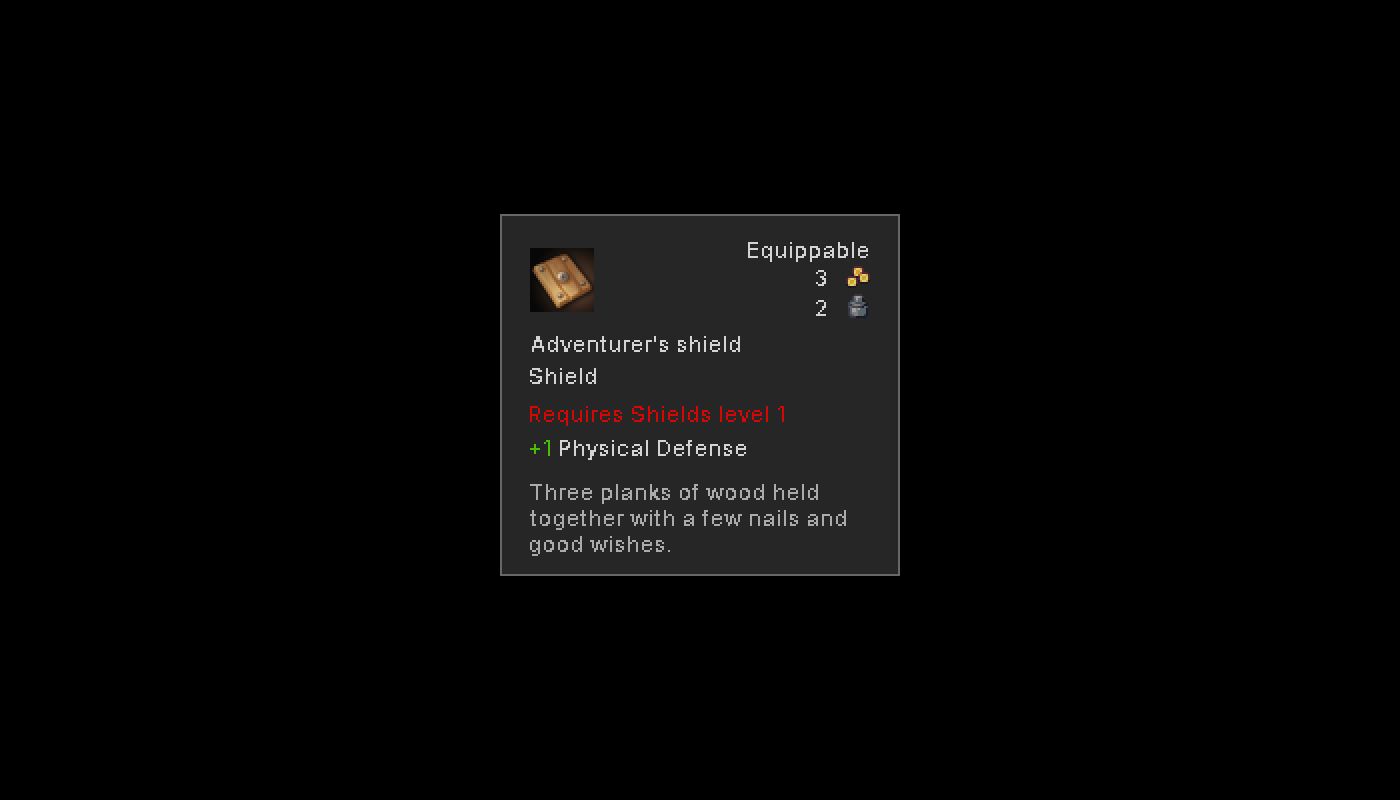
Item Types
Equippable
These items can be equipped to your player characters. Each player/NPC has the following equipment slots:
- Armor: Head, Chest, Gloves, Pants, Shoes
- Weapons: Mainhand, Offhand
- Accessories: Ring 1, Ring 2, Amulet, Face
Weapons

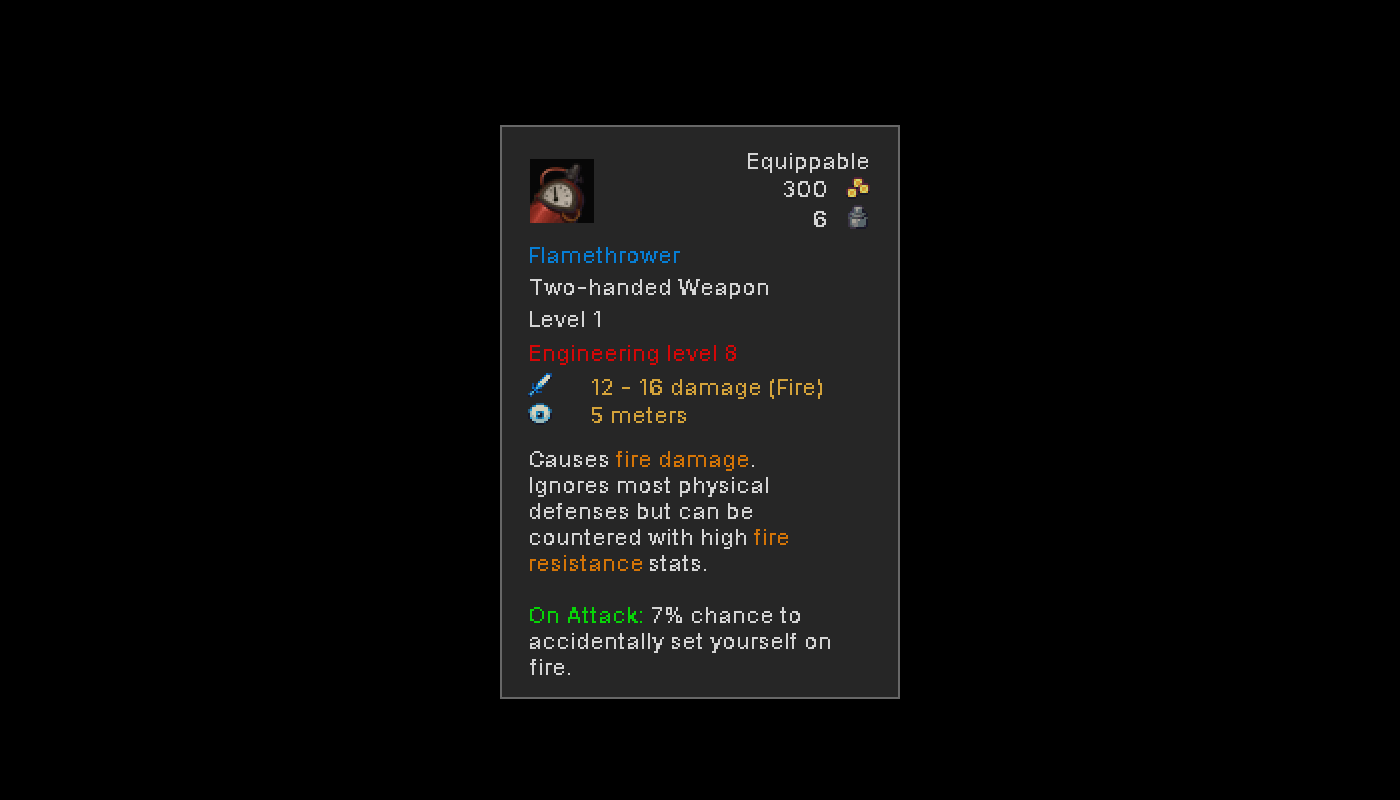
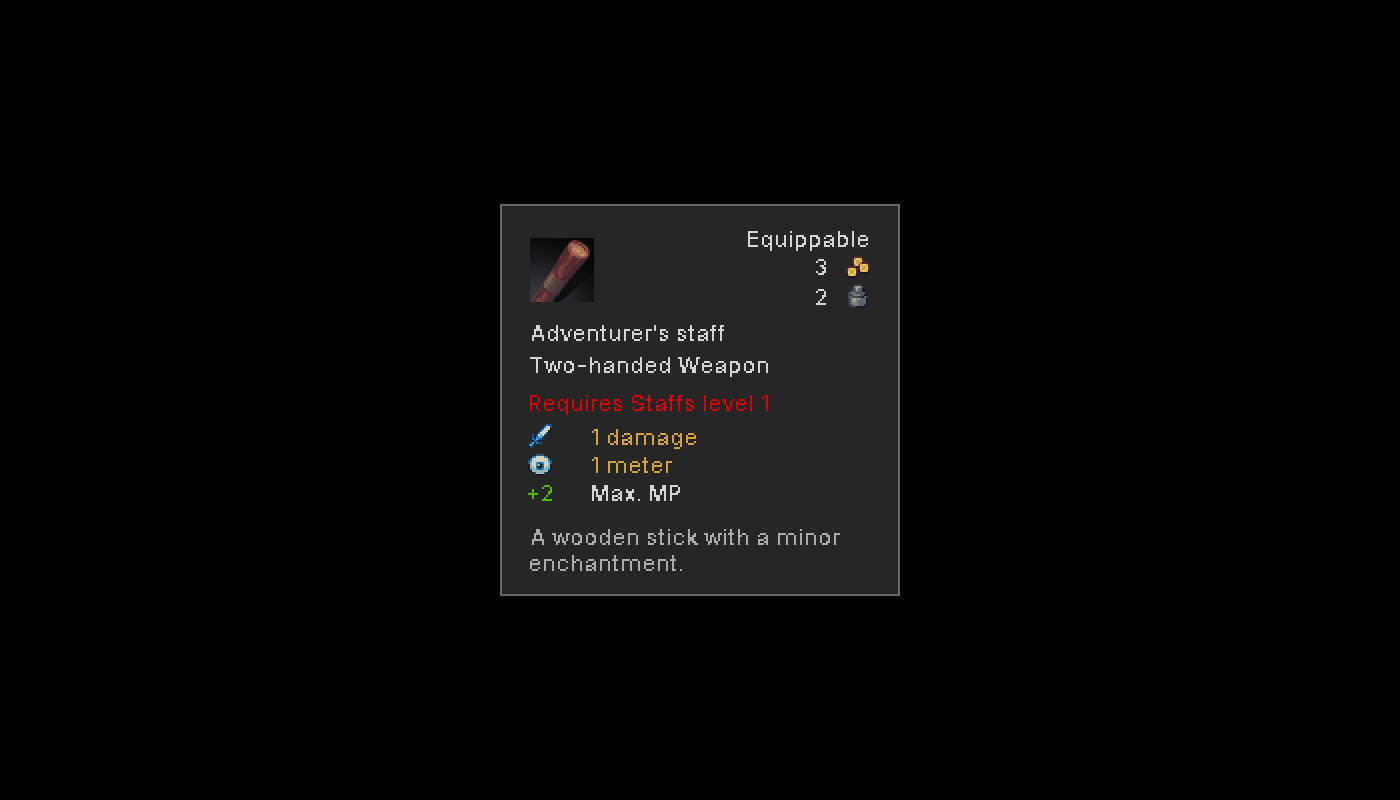
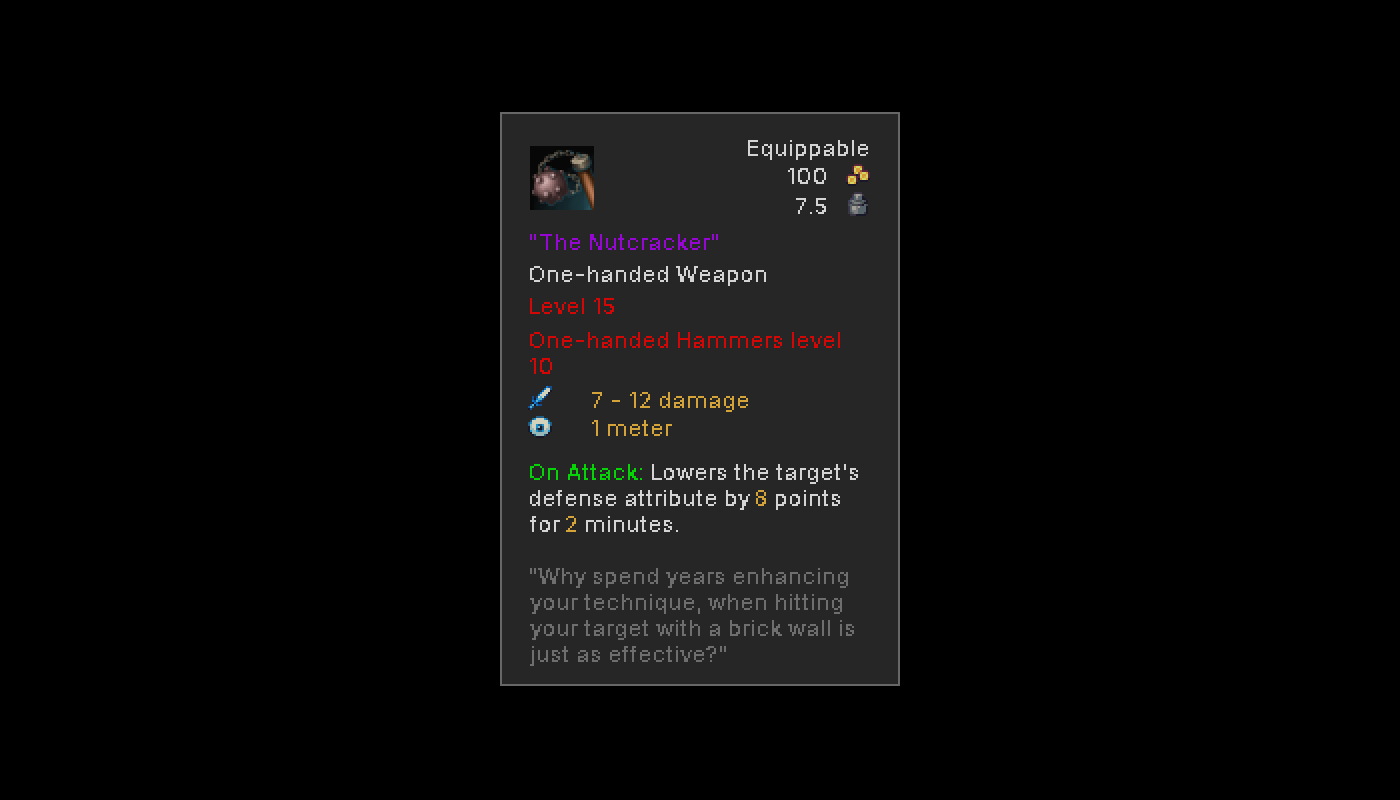
Weapons can be one- or two-handed, close-range or long-range, normal or magical. They can shoot projectiles, cause Effects, increase your attributes, but most importantly: They do some form of damage. Every weapon has a damage estimation, a range in tiles and some of them require a certain Skill to be used.
Two one-handed weapons can be held at the same time, and with the right passive Abilities it is even possible to yield a two-handed weapon in one hand.
Shields

Shields usually occupy the Offhand, but if you somehow decide that you want to wield one in your Mainhand, or even two shields at once, you can also do that. Unless they are somehow special, shields usually do not have weapon damage but instead just boost your defensive attributes.
Clothing / Armor

Leveling up your characters alone will not offer you sufficient protection from the environment. Clothing and armor offer you some protection and can boost your attributes. Like with all other equippable items, they may have an enchantment on them and cause some additional Effect. The most basic armor and clothing can be worn by anyone, but once they become more specialized, you will need to train the right Skill to equip them.
Accessories

These work pretty much the same as clothing and armor, offering you some attribute boosts, enchantments and more. Some may even grant you certain Abilities, when equipping them.
Consumables
These items can be consumed from within the inventory, by first selecting the right character, then activating the item (or by right-clicking and using the context menu).
Food & Drink

You can find food and drink in nature, buy them off a merchant or tavern owner, prepare them at a cooking station or loot/steal them off your enemies. Usually, they replenish Health, Mana or Energy, but effect-wise anything is possible.
Potions

Buy these off an alchemist, loot/steal them, or brew them yourself with ingredients you scavenged. These may offer some more complex effects than food and aren't as heavy.
Usables

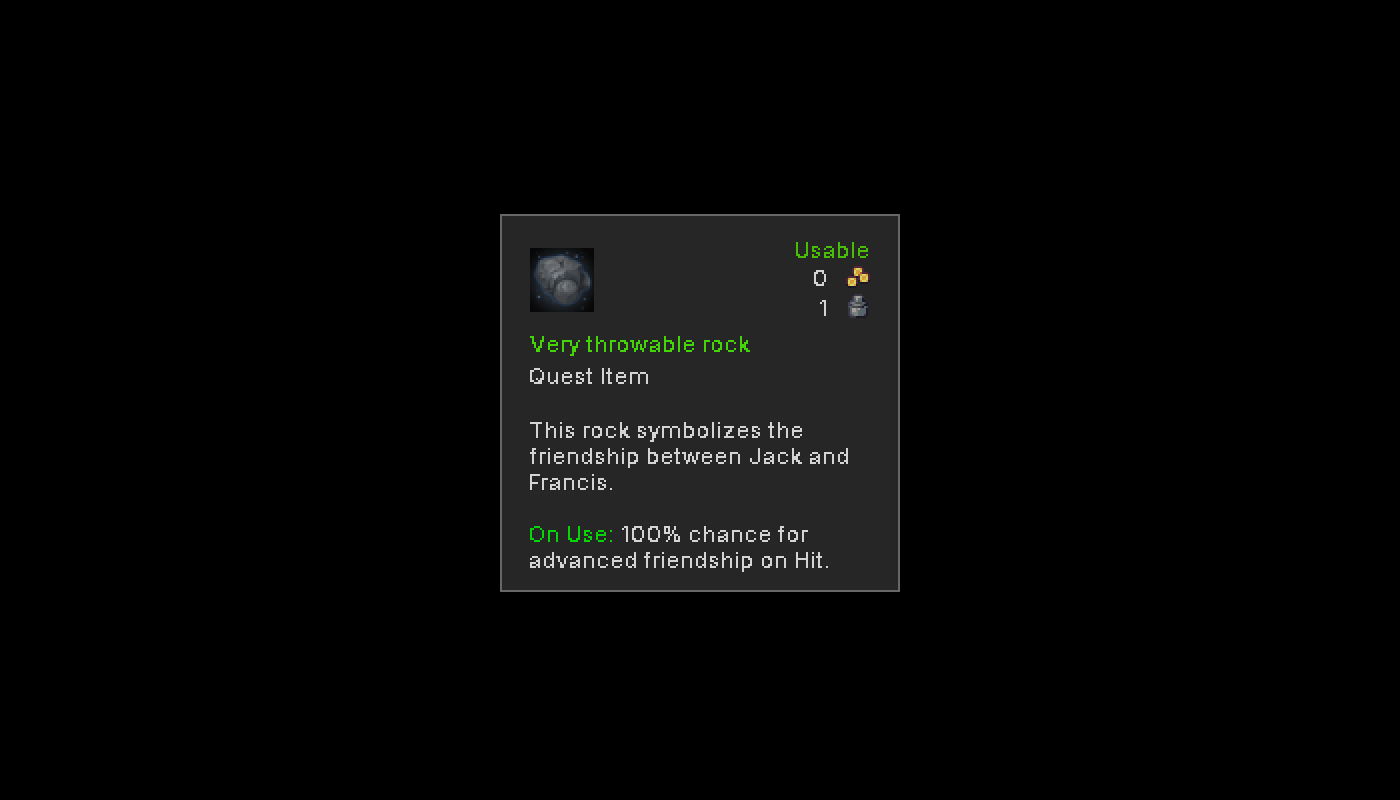
Throw a stick of dynamite into a group of bandits? Throwing a burning pinecone to light up a cave troll? Using your quantum matrix relay device to zap your opponents Mana pool? All of these fall under the same category: Items that you can use in- or outside of Combat. Some may be single-use, others may be re-usable.
Other
Miscellaneous

Items that have no direct use, but may be part of a crafting recipe or that can be sold for some coins at a merchant's shop. Wonder why you carry around 20 rocks, only to discover later that these can be ground up into an ingredient for the best potion ever. Who knows, its a true mystery!
Quest

Any item, may it be equippable, consumable, usable or miscellaneous, can also be classified as a quest item. Some quest items cannot be dropped, while others are supposed to be used up.
The Inventory
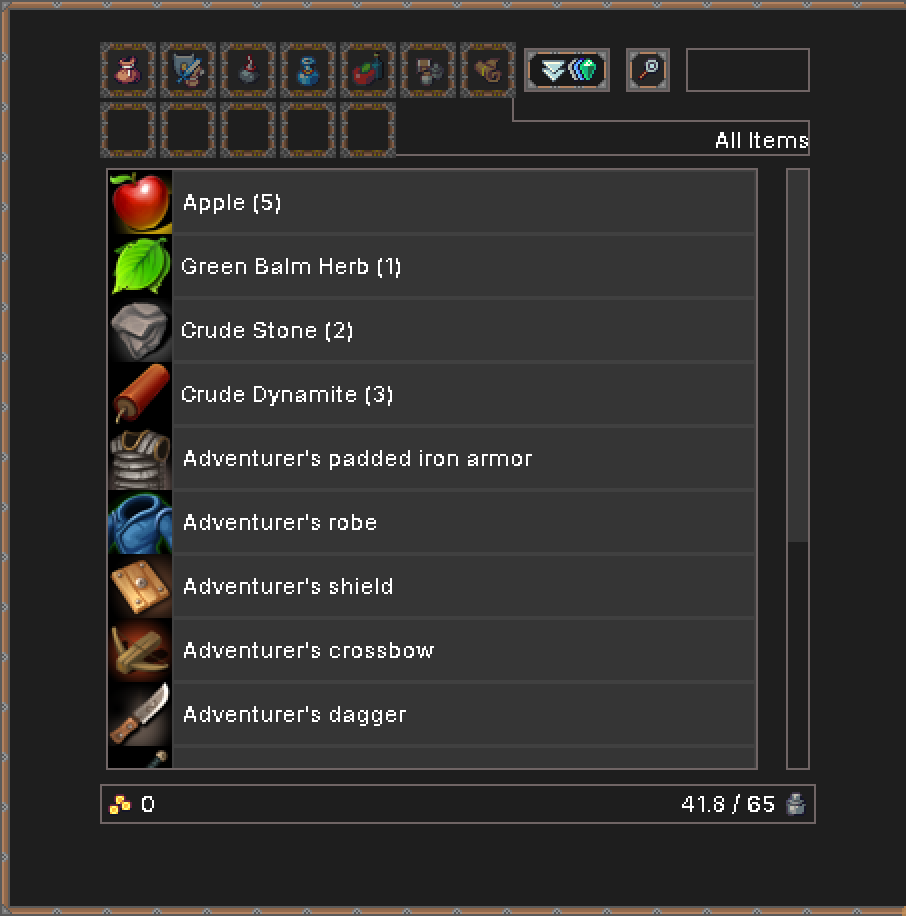
The inventory in the 'All Items' category, sorted by rarity.
All player characters share a common inventory, so no matter who is currently selected, the items are always visible. At the top of the screen you can make use of various filter options and a search functionality.
At the bottom of the screen you can see your coins and your carrying capacity. The carrying capacity is determined by the combined strength attribute of all your characters.
Some items are stackable. These will appear with a counter after the item name. Items also have a certain rarity, shown by the item name having a different color: Very Common, Common, Uncommon, Rare, Unique, Artifact, Legendary.
Filtering, Ordering & Searching
For better usability and to find your items quicker, you can make use of the filter categories on the top of the inventory screen.
The categories match the item types on this page (scroll up).
Inside of each category, you can also order items alphabetically, by weight, rarity or value. Either left-click the sorting button to shuffle through these options, or right-click it to see the context menu.
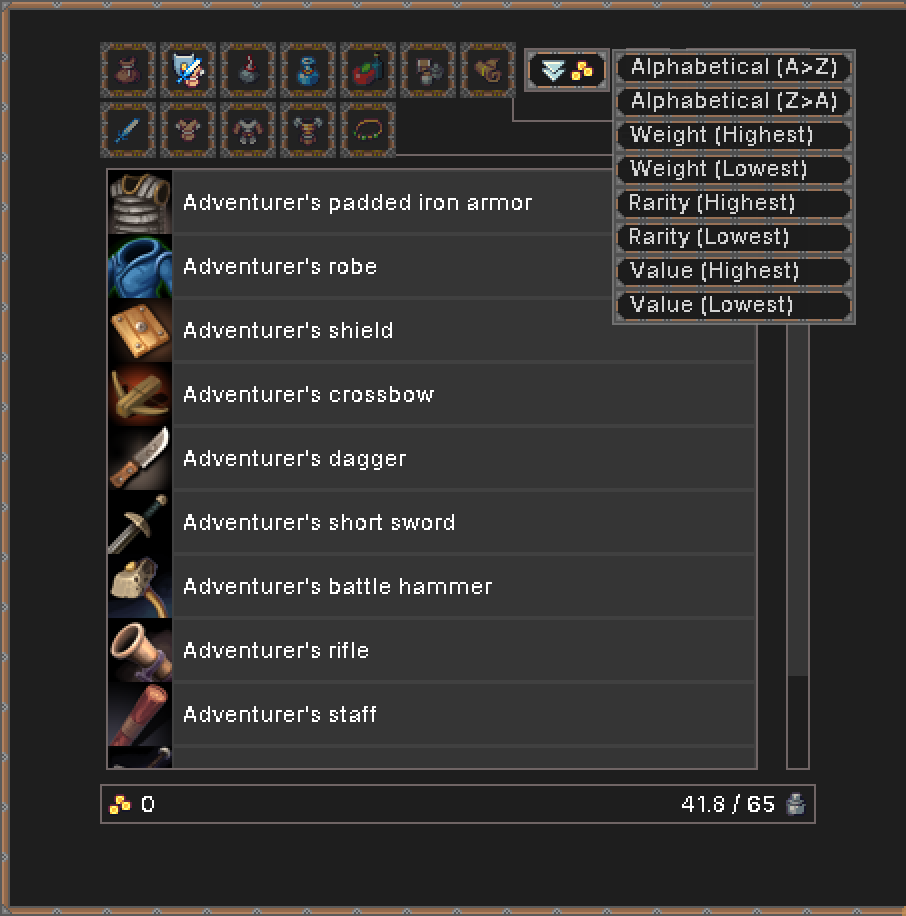
The selected category is 'Equippable Items', and the context menu for the sorting button is currently visible.
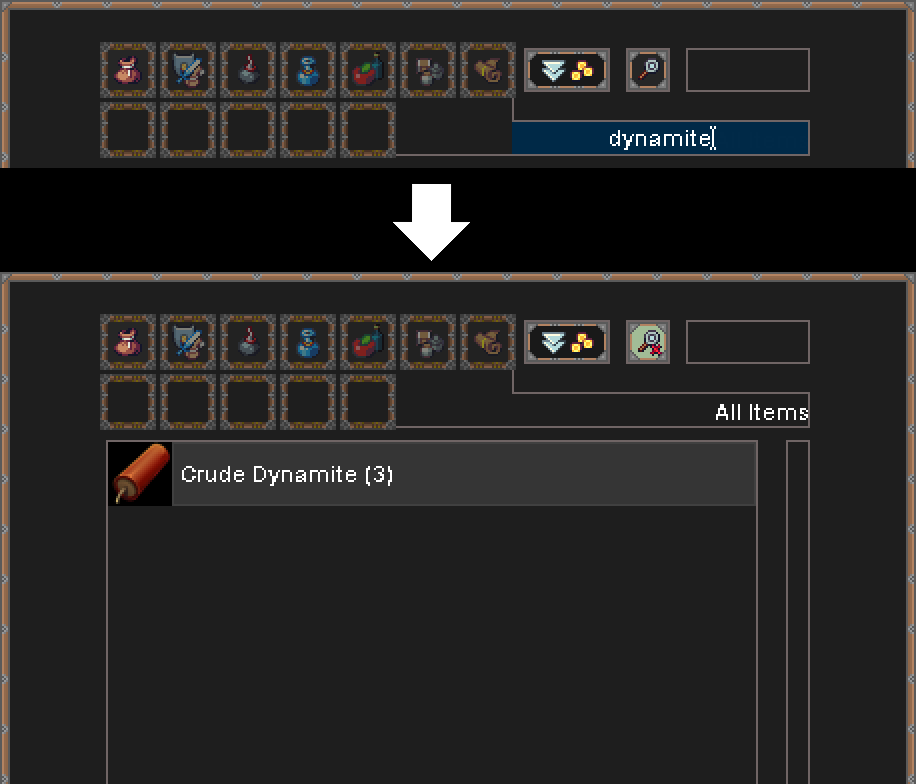
In the 'All Items'-category, the search functionality is used to find 'dynamite' in the inventory.
The easiest way to find anything is the search via name. Simply click the search button and type what you are looking for. This still considers the currently selected category, so if you are unsure where the item belongs to, simply select the 'All Items'-category first.
Looting, Stashing & Dropping
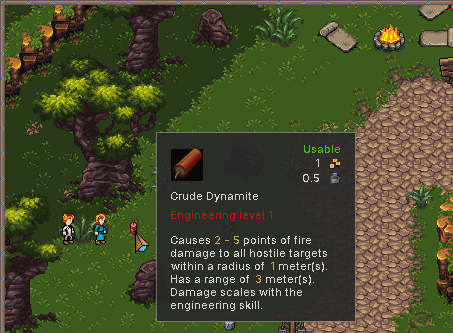
An item on the ground is hovered by the mouse and can be picked up with left-click.
Items on the ground can be picked up by left-clicking them with the mouse, or by standing in front, or on top of them and then pressing the interaction key (default: Space). If there is not enough room in your inventory, the item will remain on the ground.
When looting an opponent or container, you can switch between their inventory and your own with the button on the top right of the looting screen.
The looting screen also supports filtering and has a 'Take everything'-button to take all items at once.
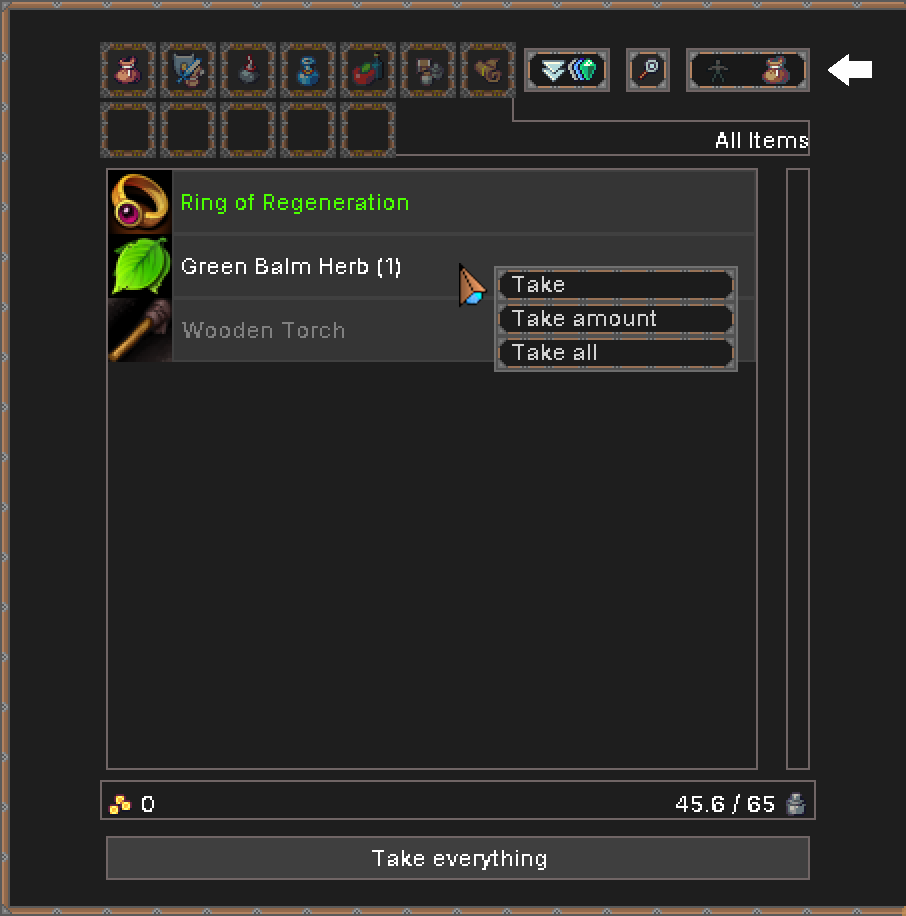
The button to switch between the looting target and the player inventory is at the top right.
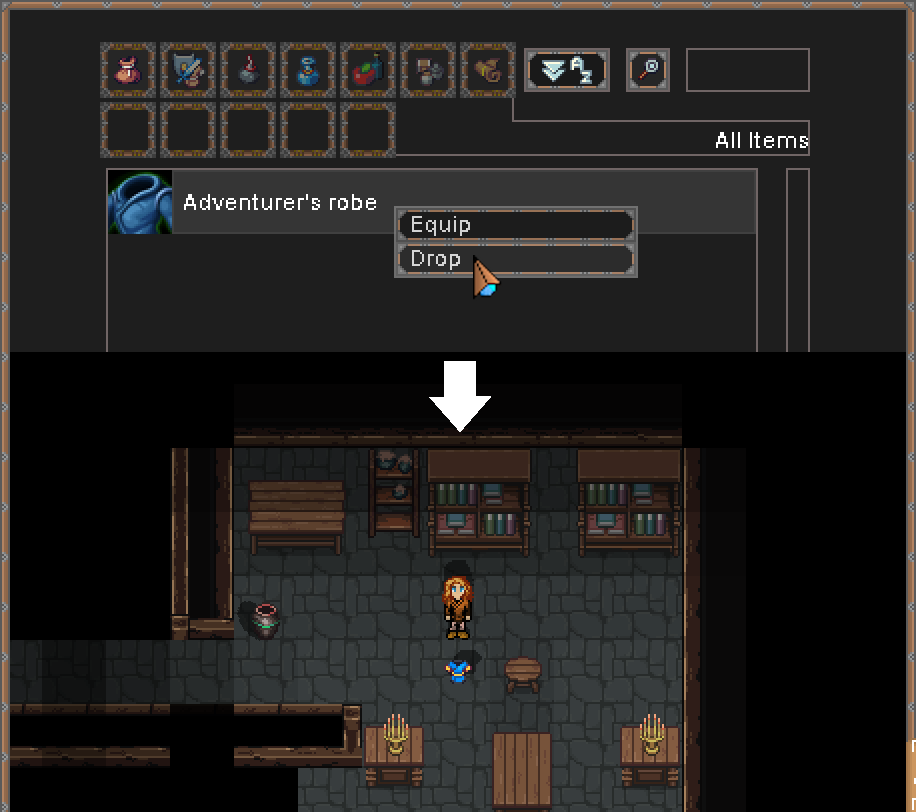
When dropping an item, it appears on the ground, on the same tile as your selected character. (Character was moved up one tile in this image for better visibility).
Items can be dropped to the ground by either using the context menu option, or by holding SHIFT and left-clicking the item. Dropped items appear on the same tile as the selected player character.
If more than one unique item (or stack) is placed on the ground they will become an 'Item Pile', which can be looted like a container.
The Equipment Screen
To see your character's equipment, you can either click the button for it, press the hotkey (default: F6) or right-click their portrait.
To unequip an item, simply left-click on it, or right-click and use the context menu.
If a two-handed weapon is equipped, it will usually also occupy the Offhand (unless you learn an Ability that allows for holding certain two-handed weapons in one hand).
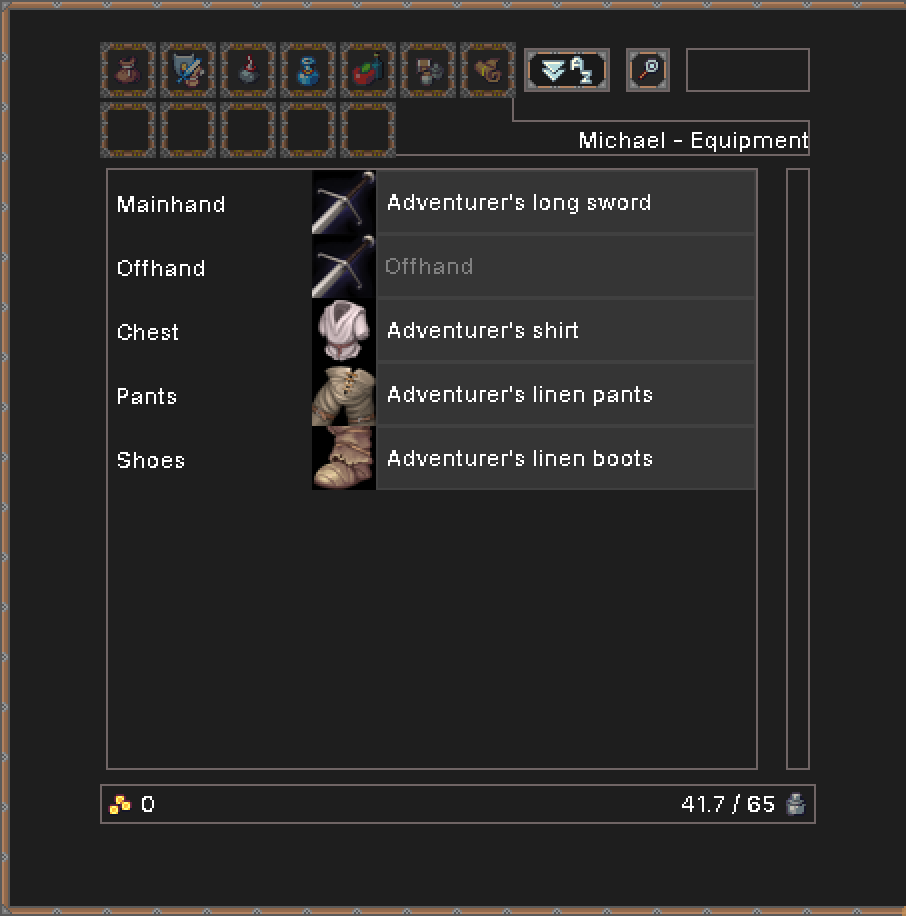
This character is holding a two-handed weapon, which also occupies the Offhand.
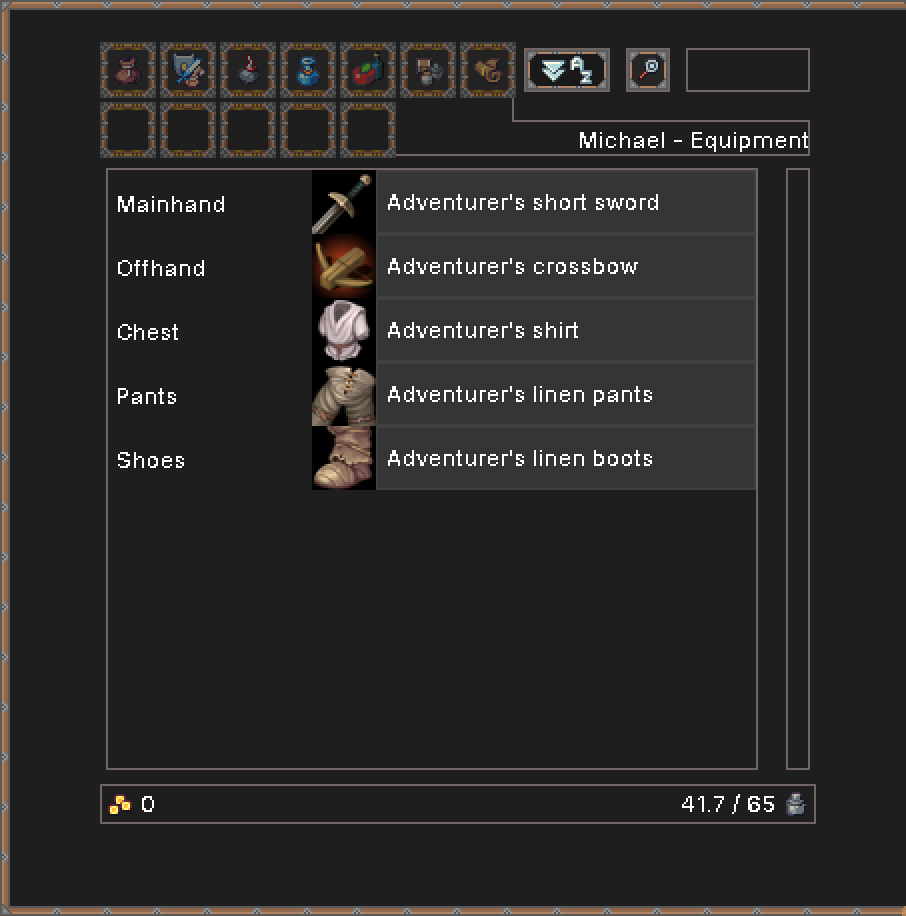
This character is holding a one-handed sword in the Mainhand, while also holding a one-handed crossbow in the Offhand. This allows for two attacks during Combat.
If you equip two one-handed weapons, you can choose with one goes in which hand. During combat you can attack with each one, so two attacks total.
Normal shields cannot attack, so in those cases you still usually only have one attack. (Unless you have a very specialized shield, which is possible).
The Offhand can also hold an utility item, such as a torch to illuminate dark areas.